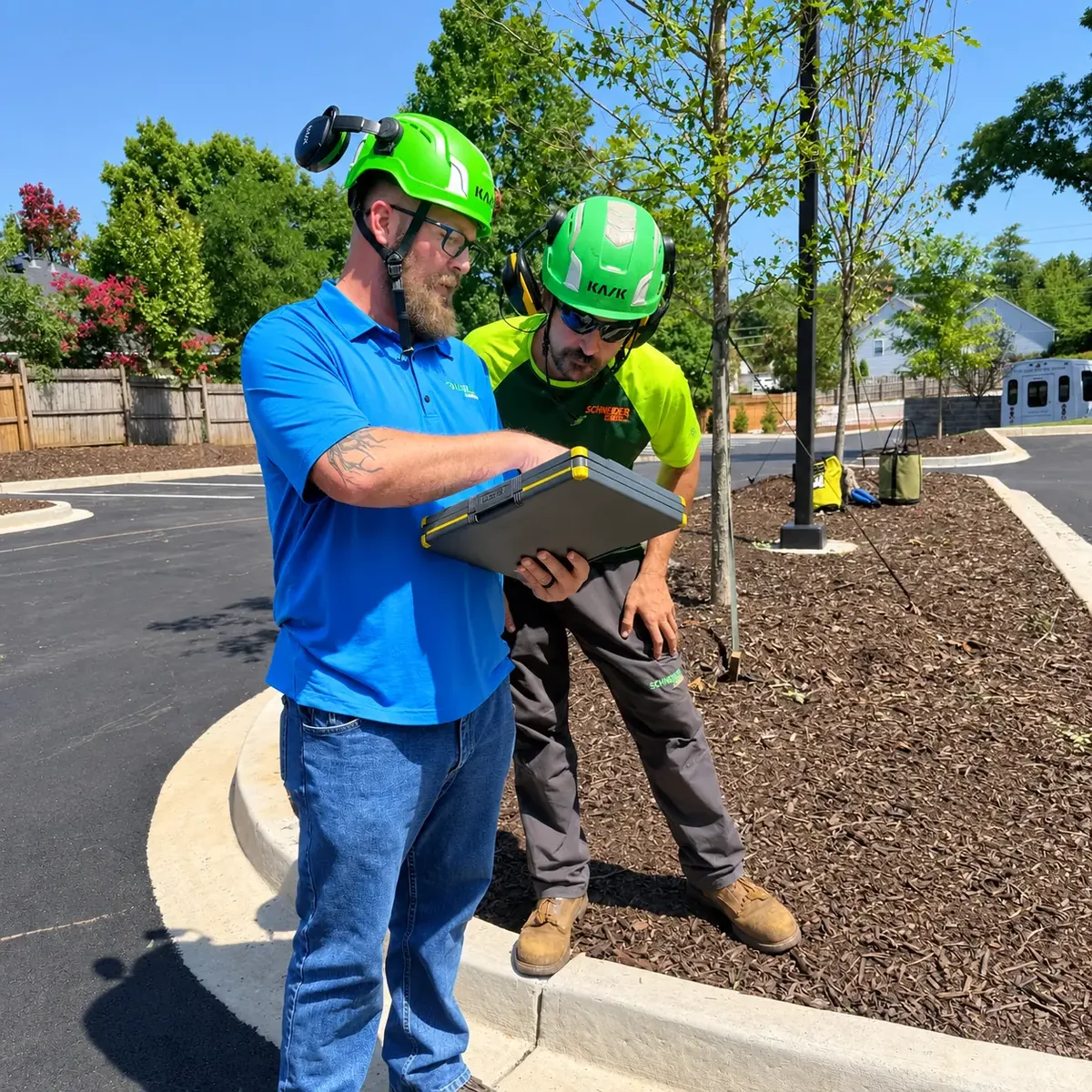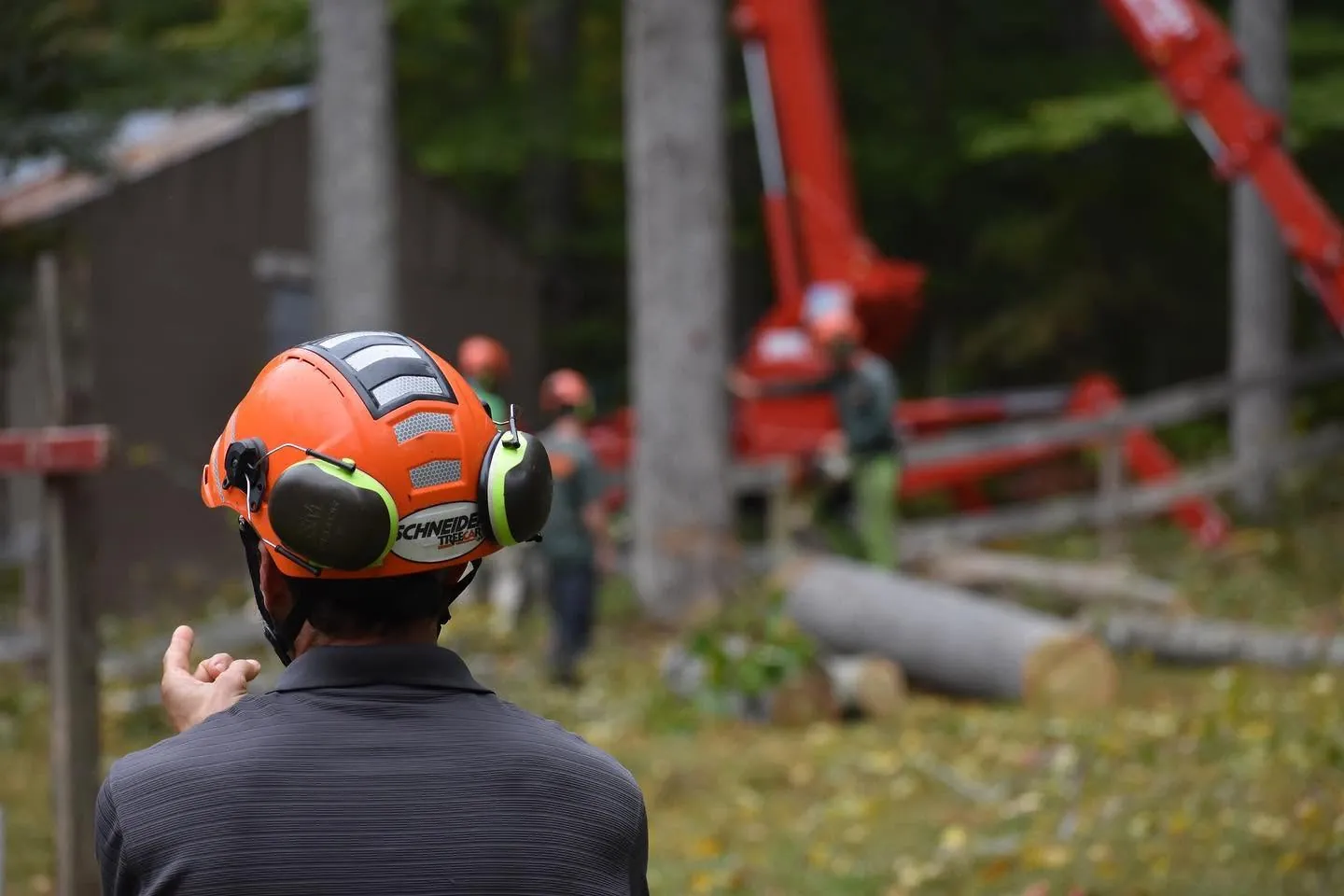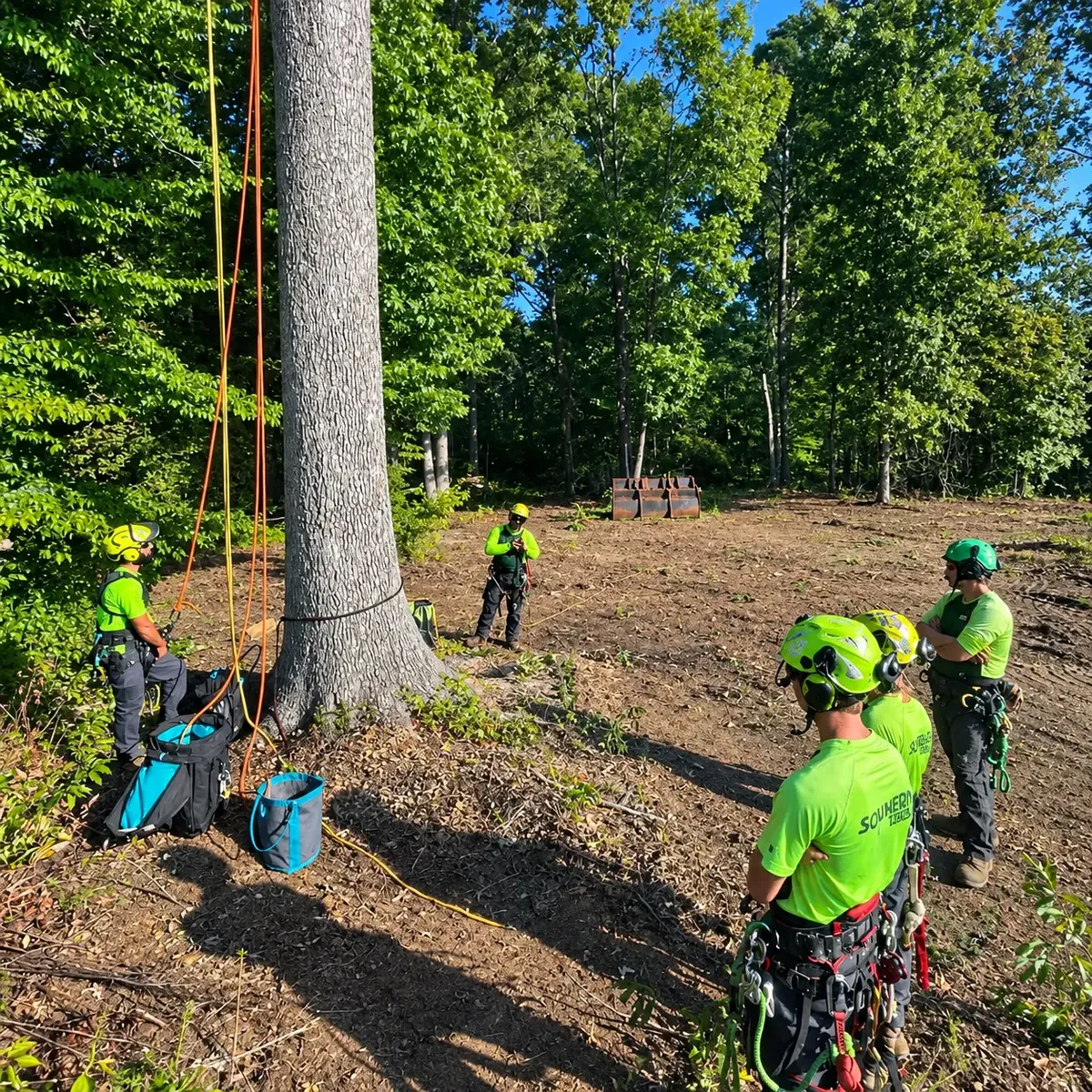


Crews don't need another app full of menus. They need to open their phone in the truck and know exactly what the day holds. When it comes to field software, less is more.
Today's jobs, in order
The first thing a crew leader should see is the day's stops, in the order they'll drive them. No digging, no switching between screens.
The details that matter on site
Address, gate codes, where to park, what's being removed, and anything the estimator flagged, like a power line, a fence, or a dog in the yard. Photos from the estimate help more than paragraphs of notes.
If the crew has to call the office to figure out the job, the app didn't do its job.
Only what they need
Pricing, the customer's billing history, and office-only notes can stay in the office. Giving each crew access to just their own work keeps the screen simple and keeps sensitive information where it belongs.
A simple way to close it out
When the job is done, the crew marks it complete and adds a photo or note. That one tap tells the office it's ready to invoice.
How the Mantx Crew App keeps crews focused
The best field tool is the one your crew actually uses. Keep it focused on the day in front of them.
Want to see the crew view for yourself? Book a quick walkthrough.